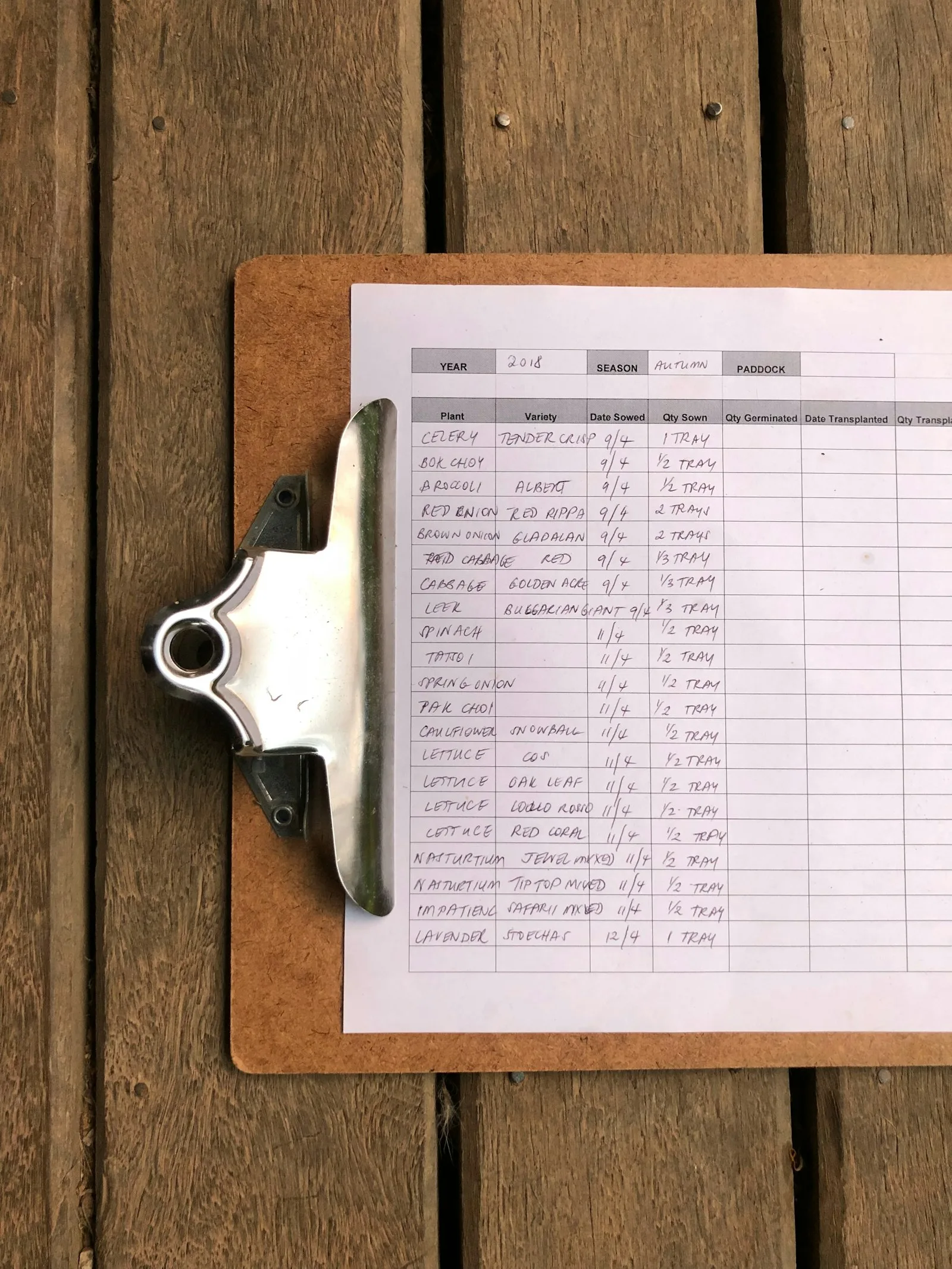
Nobody decides to outgrow a spreadsheet. One day you notice you are maintaining it instead of using it.
We are not here to tell you spreadsheets are bad. They are probably the most useful piece of software most shops will ever use, they cost nothing, and plenty of businesses run on one for years without any trouble.
But there is a point where the sheet stops saving you time and starts costing it. That point is easy to miss, because it arrives slowly. Here are the three signs we look for.
Sign 1: you keep two versions of the truth
The sheet says twelve. You walk to the shelf and count three.
Once that happens, something shifts. You stop trusting the sheet, so you check the shelf instead. Soon you are checking the shelf for everything, because if the number was wrong once, it could be wrong anywhere. The sheet is still there, still being updated, but it is no longer the thing you actually rely on.
That is the moment the sheet stopped being a system and became paperwork. You are paying the full cost of keeping it current and getting almost none of the benefit.
What actually matters is not the mismatch itself. Every shop gets a bad count now and then. What matters is that you have stopped being surprised by it.
Sign 2: only one person can safely touch it
Ask yourself what happens to the sheet if the person who built it takes a week off.
In most shops the honest answer is that it slowly goes stale. Someone else opens it, cannot tell which column drives which, and decides not to risk breaking anything. Orders get written on paper for a few days and typed in later, if they are typed in at all.
You can see the same problem in the file name. Once there is a version with a date on it, and someone sends the latest copy around on WhatsApp every few days, you no longer have one sheet. You have several, and at least one person is looking at the wrong one right now.
A tool that only works when a specific person is in the building is not infrastructure. It is that person's memory, written down.
Sign 3: you find out about problems from a customer
This is the one that costs real money.
Someone places an order. You confirm it, because the sheet said you had the stock. Then you go to pack it and it is not there. Now you are apologising, refunding, or offering a substitute nobody wanted, and the customer has learned that your stock numbers are a guess.
The same pattern shows up in other places once you look:
- A marketplace listing stays live for two days after you sold the last one.
- An order that came in through a WhatsApp chat never makes it into the sheet at all.
- A slow moving product sits in a corner for eight months and nobody notices until stocktake.
- You reorder something you already have three boxes of, because the sheet was last updated on a busy Saturday.
Every one of these is the same failure. Something changed in the real world, and the sheet found out too late, or never found out at all. Researchers have written about how badly inventory records drift from reality for decades, and Harvard Business Review's operations writing is a good place to see how large that gap can get, even in businesses far bigger than yours.
A spreadsheet does not know when you sell something. Everything it knows, a tired human typed in after a long day.
What to do about it, in the right order
This is where most advice goes wrong. The answer to a broken spreadsheet is not to rush out and buy software, because software fed by the same manual habits will produce the same wrong numbers, just with a nicer interface.
The order that works:
- Pick one place that is the truth. Not two, not the sheet plus the shelf book. One. It does not matter much which one you start with.
- Make the sale update it automatically. This is the actual fix. As long as a person has to type the change in, sooner or later it will not get typed. Every channel you sell on should write to the same count.
- Only then look at reports and forecasting. Numbers built on a count you trust are useful. Numbers built on a count you do not are worse than nothing, because you will act on them.
Step two is the one most shops skip, and it is the one that actually matters. It is also the whole of connecting your apps and stock, which is the second step of the four we take shops through.
You might be fine
This is worth saying plainly, because we would rather you not buy anything you do not need. If you sell forty items, in one place, and the sheet has never once been wrong, keep using it. Come back when one of these three signs shows up.
And if you are not sure which of these applies to you, that is exactly what a Retail Health Check is for. In one week, you get told which step you are actually on. Sometimes the answer is that your stock is fine and the real leak is somewhere else entirely.
Related reading: when AI is not the answer for your shop, which covers why a chatbot on top of a broken count just makes you wrong faster.